

|
|
Movavi PDF Editor
Zoom and navigation
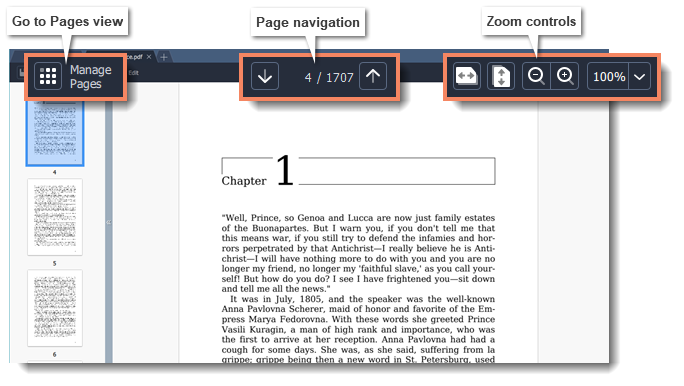
Navigation
Use the page navigation controls at the top of the page or the mouse wheel to flip through pages.
Zoom
When you open a document, it will be shown in its actual size. Use the zoom and navigation tools at the top of the window to set a comfortable view. You can also zoom in and out using the mouse wheel while holding down Ctrl.
 |
Fit width
|
 |
Fit height
|
 |
Zoom out
|
 |
Zoom in
|
