

|
|
Zoom and navigation
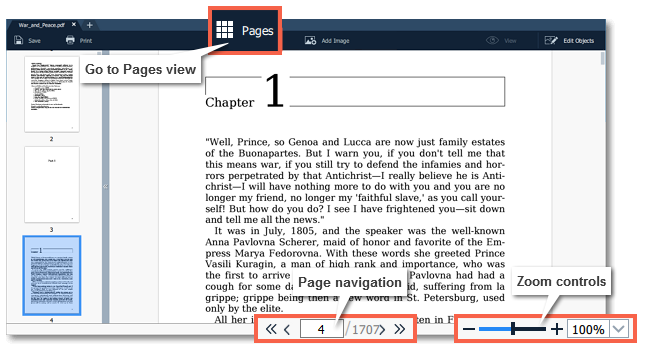
Zoom
When you open a document, it will be shown in it's actual size. Use the zoom and navigation tools at the bottom of the window to set a comfortable view. To magnify an image, use the zoom slider at the bottom of the window. You can also zoom in and out using the mouse wheel while holding down Ctrl.
Navigation
Use the page navigation controls at the bottom of the page or the mouse wheel to flip through pages.
 |
Go to first page
|
 |
Previous page
|
 |
Next page
|
 |
Go to last page
|
