

|
|
Merging documents
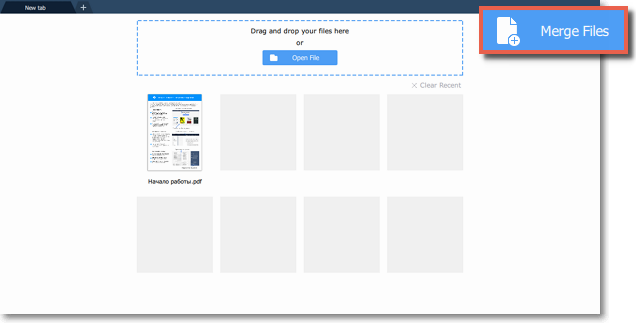
Step 1. Select Merge Files on the start page.
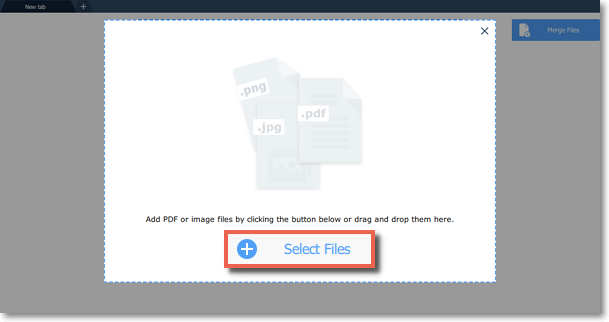
Step 2. The merging window will open. Click Select Files to add files from an Windows Explorer window or simply drag and drop them onto the window.
Step 3. Rearrange files by simply dragging them to the desired position.
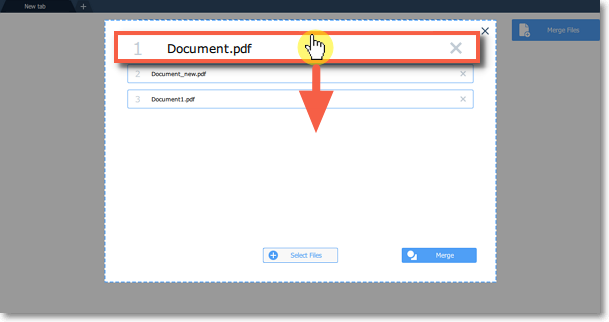
To delete a document from the list, click on the cross button  next to it.
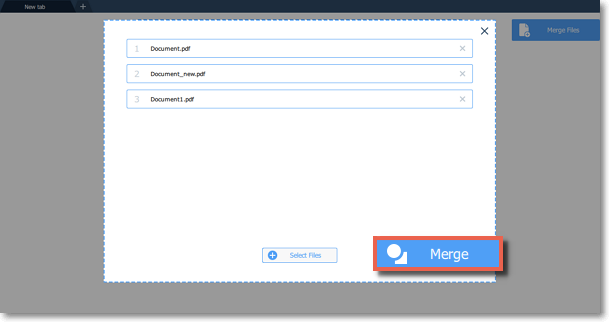
next to it.Step 4. Click Merge. The new merged file will be opened in a new tab and you will be able to continue editing.
See also: Joining files
