To properly display this page you need a browser with JavaScript support.
Video is easy
Overview
Help Center
Movavi Store
Buy Now
Download
×
Menu
Search
To properly display this page you need a browser with JavaScript support.
Search
Search
Editing documents
Editing objects
Editing objects
Click the
Edit Objects
button on the top right corner of the window.
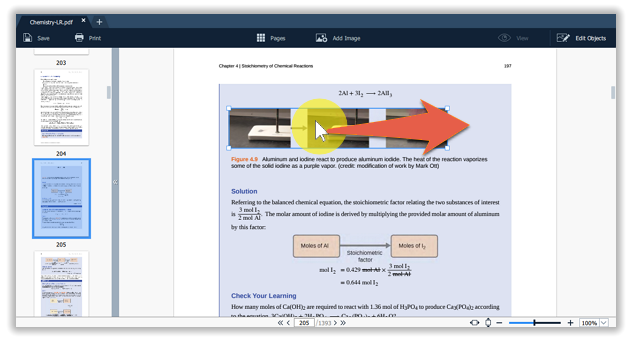
Select the object.
Simply drag the object to move it.
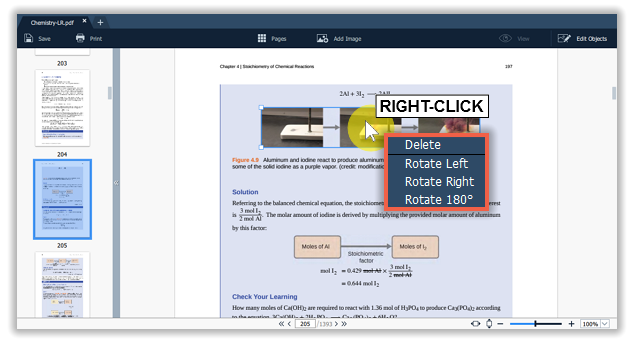
To rotate or delete the object, right-click on it and choose one of the options from the pop-up menu.
Contact support
Live Chat
Email us
Buy Now